↗
Remember less.
Enter your start and end locations. Keep your mileage, date, business purpose and vehicle details together, while the trip is still fresh.
Save time for your field team and your back office. Enter your start and end locations to keep mileage organized. Snap receipts as you go. Centralized management keeps it all in one place, so your admin team spends less time chasing paperwork.
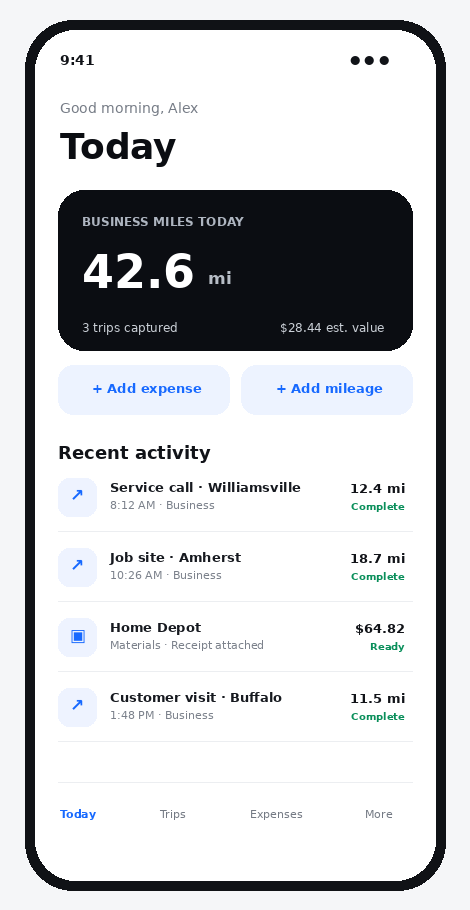
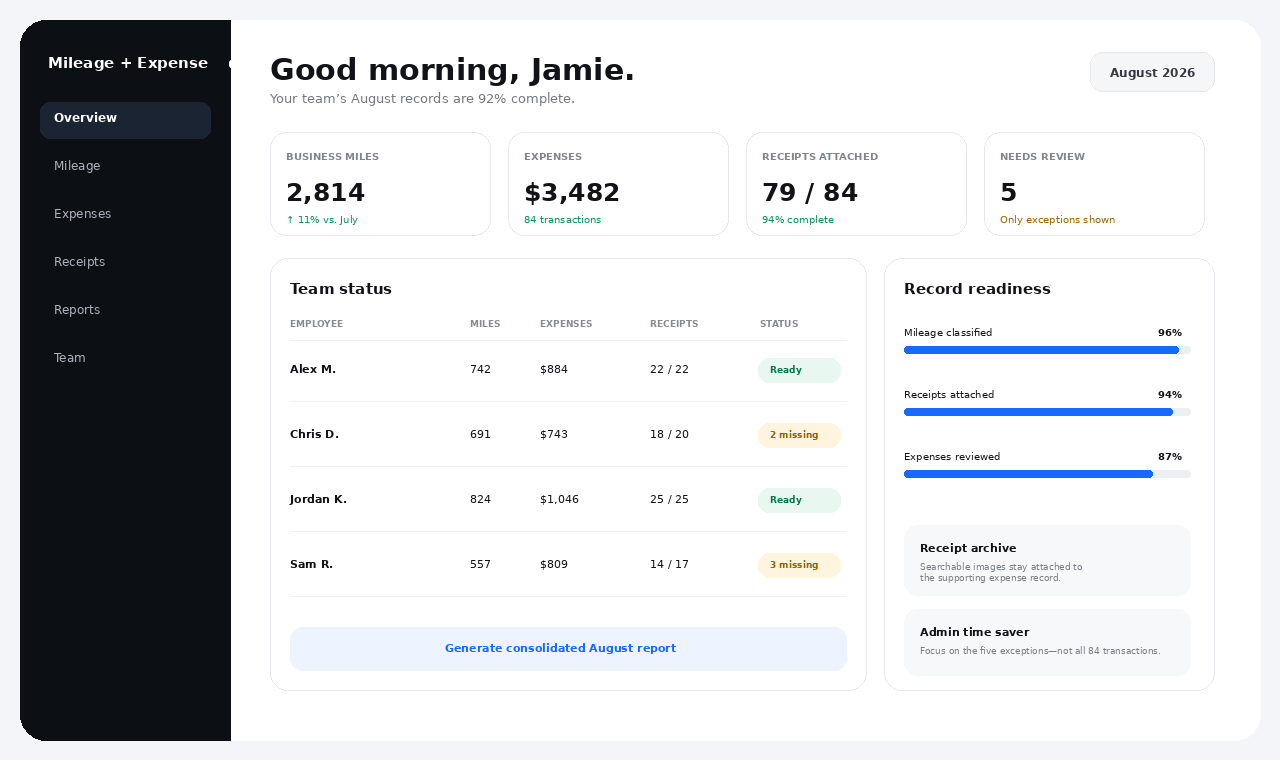
The best expense process is the one employees will actually use. Keep the daily routine fast enough to happen while the details are still fresh.
Enter your start and end locations. Keep your mileage, date, business purpose and vehicle details together, while the trip is still fresh.
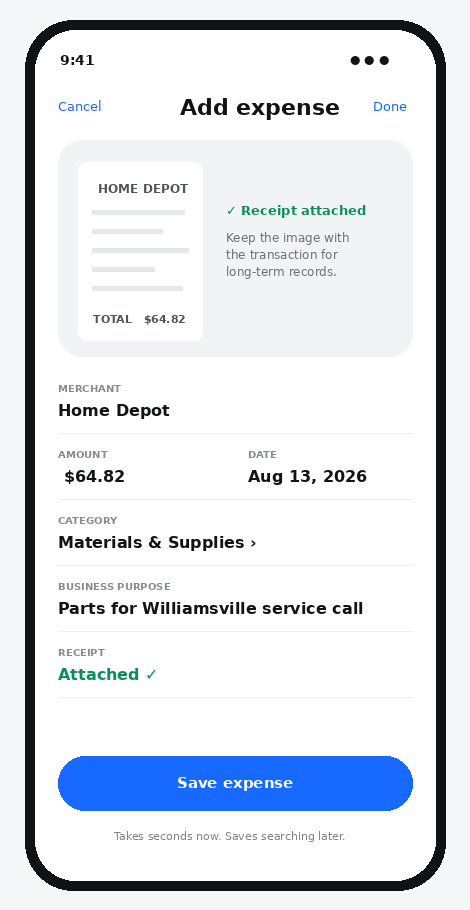
Snap the receipt when the purchase happens and attach it to the expense. Your back office gets the documentation without another round of follow-up messages.
A quick daily review replaces the Friday-night memory exercise and the month-end scramble to reconstruct purchases and travel.
Employees see what matters to them: today’s trips, today’s expenses, receipt status and what still needs attention.
Give your field team a simple way to submit mileage, expenses and receipts. Give your back office organized records to review, so both teams spend less time on paperwork and more time on the work that matters.
Keep the field experience simple and move the complexity to the system—not to your employees.
Enter your start and end locations to track mileage, then add the business purpose.
Photograph the receipt and connect it to the expense while the purchase is fresh.
Employee confirms business purpose, category and any missing details.
The back office reviews, consolidates, reports and retains supporting records.
Paper fades. Email gets buried. Employees leave. A searchable receipt archive helps your business keep the documentation attached to the expense it supports.
Especially useful for businesses where employees drive to customers, job sites, properties, appointments or service calls and incur expenses along the way.
One place to manage your entire team. Only $5 per user per month or $50 per user per year, plus applicable tax. Add as many users as you need. Cancel anytime.
Start with a 30-day free trial. After the trial, the price is $5 per user per month or $50 per user per year, plus any applicable tax.
No. The same price applies regardless of how many users you add. Each user costs $5 per month or $50 per year, plus applicable tax, with centralized management for the whole team.
Yes. Cancel anytime. There is no long-term commitment.
Enter your start and end locations to track your mileage, then add the trip details and business purpose. Keep the record organized for review and reporting.
Employees enter trip details and attach receipts as they go. Centralized management lets administrators review the entire team’s organized records in one place, reducing follow-up messages, missing paperwork and month-end re-entry.
No software can guarantee the outcome of an audit. The app is designed to help businesses maintain organized mileage, expense and receipt documentation. Your accountant or tax professional should advise you on the records your business is required to maintain.
Less paperwork for your field team. Less chasing for your back office. Manage it all in one place. Try it free for 30 days, then pay only $5 per user per month or $50 per user per year, plus applicable tax. Add as many users as you need. Cancel anytime.
Start 30 days free